Content Machine
From idea to published in minutes — with AI in your brand voice
Stop copying and pasting between tools. Plan content on a visual canvas, let AI write posts, newsletters and social updates in your brand voice, and publish or schedule them in one click — all from your CRM.
14 days free · no credit card · live in 5 minutes
8×
Faster content creation
3h
Saved per content day
40%
More brand voice consistency
500+
Teams live
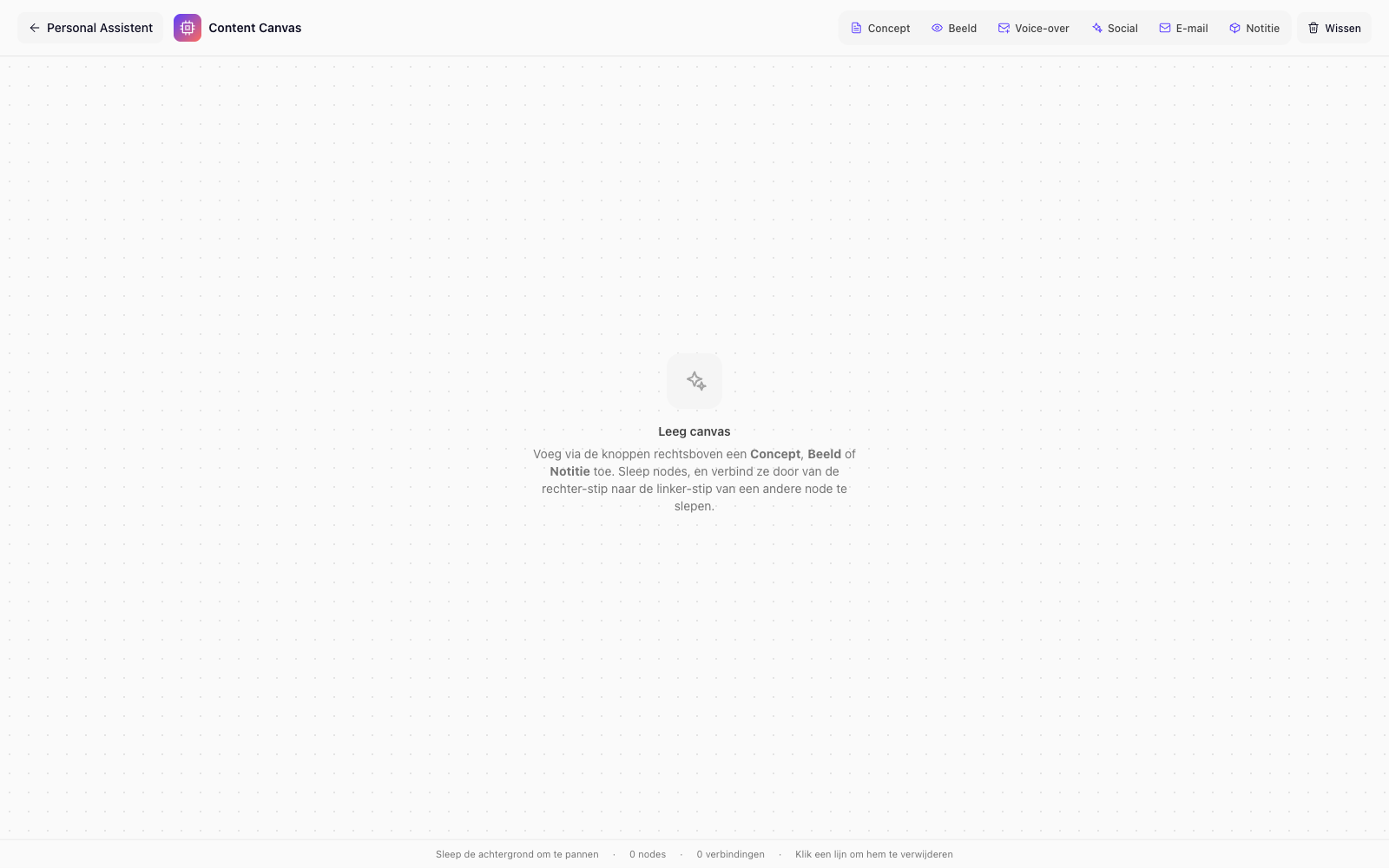
Visual content canvas
Plan a month of content in one single view
Open a calendar view and drag content blocks to the right day and channel. LinkedIn post, newsletter, Instagram caption or blog article — everything sits side by side. No more asking "what's going live this week?"
- Drag-and-drop content calendar for all channels
- Posts, emails and social items in one shared timeline
- Colour code by channel and campaign for instant clarity
AI writing assistant
Write in your brand voice — not the AI's
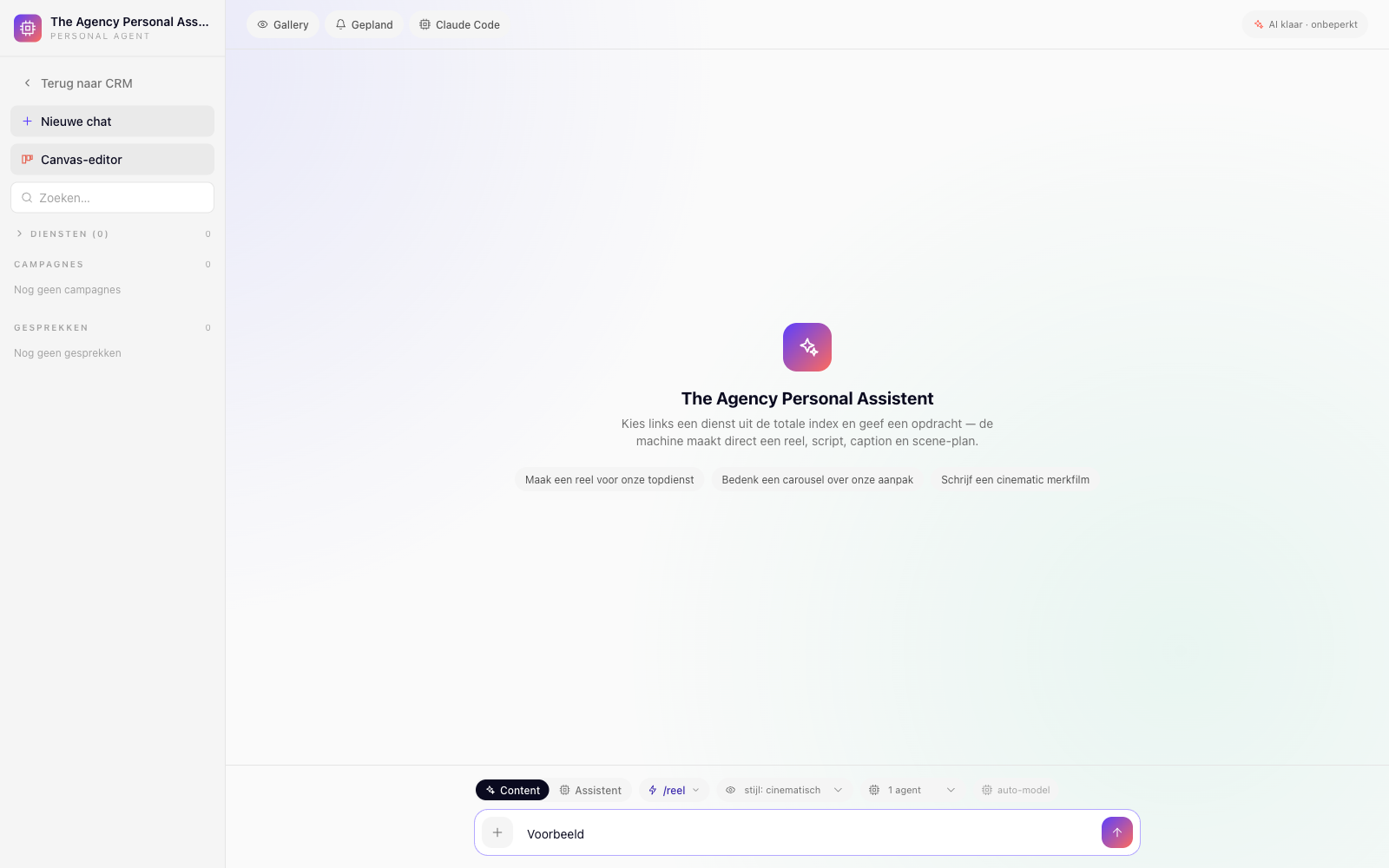
Give the AI your brand voice instructions once — tone of voice, writing style, dos and don'ts — and from that moment on it always writes your way. Ask for a LinkedIn post, an email campaign or a series of Instagram captions and get copy that sounds like you wrote it yourself.
- Brand voice engine: set your tone of voice once and done
- Generate posts, emails, captions and blogs in seconds
- Multiple variants per piece — pick the best with one click
Content scheduling & publishing
Schedule, publish and forget — the system handles the rest
Set the publish date and time and let the Content Machine handle the rest. Connect your social channels, email lists and landing pages for direct publishing. Reuse top-performing content by duplicating it and scheduling it for next quarter.
- Publish immediately or schedule to the right moment
- Connect LinkedIn, Instagram, email and landing pages
- Duplicate and reschedule content in two clicks
Campaigns & CRM connection
Content tied directly to leads and deals
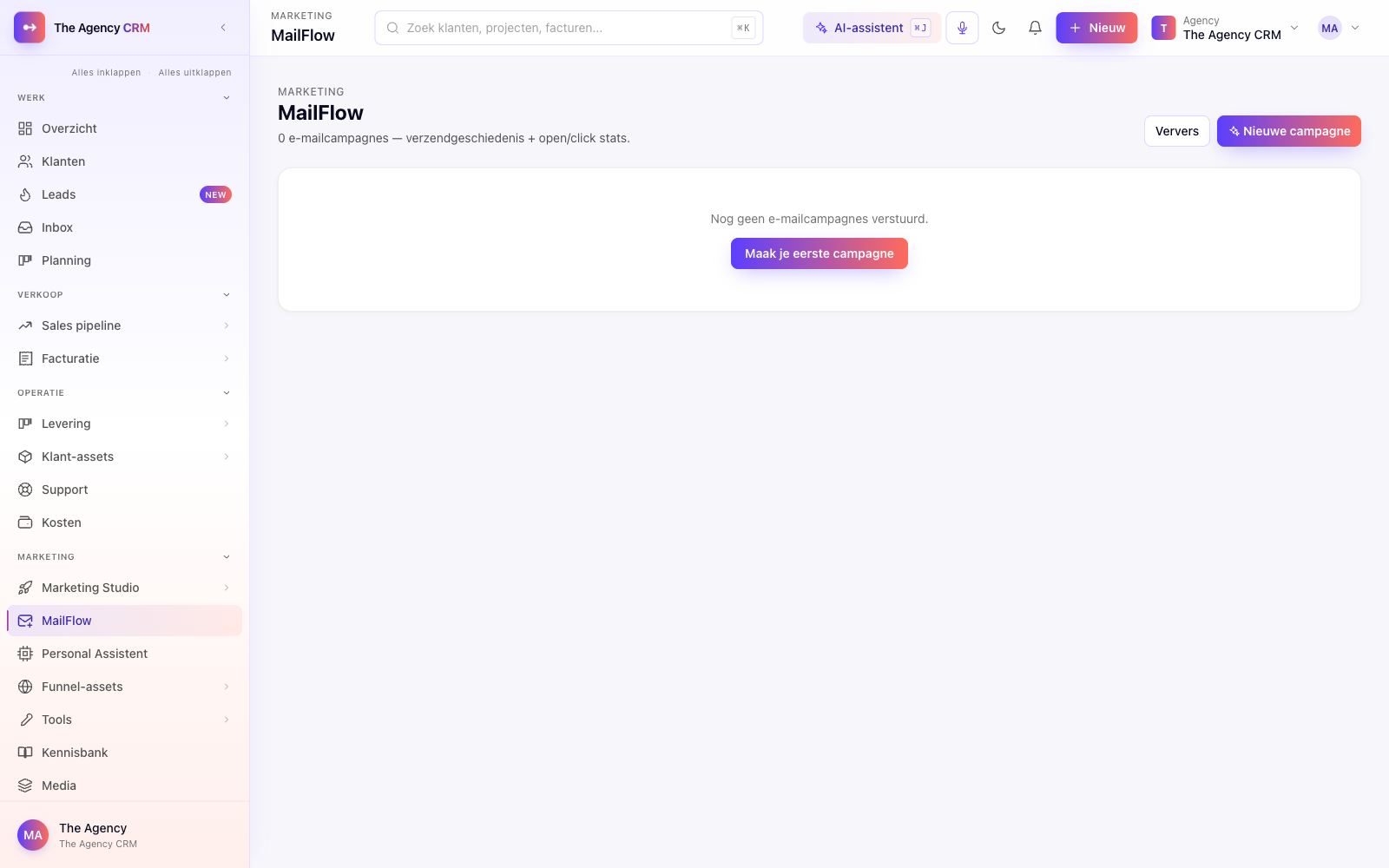
Create a campaign in your Content Machine and link it straight to a segment in your CRM — new leads, existing clients or lost deals. Each contact gets the right message at the right time, automatically triggered from your pipeline.
- Link content campaigns to CRM segments and triggers
- Personalise emails with fields from the client profile
- Measure opens, clicks and conversion per campaign, inside the CRM
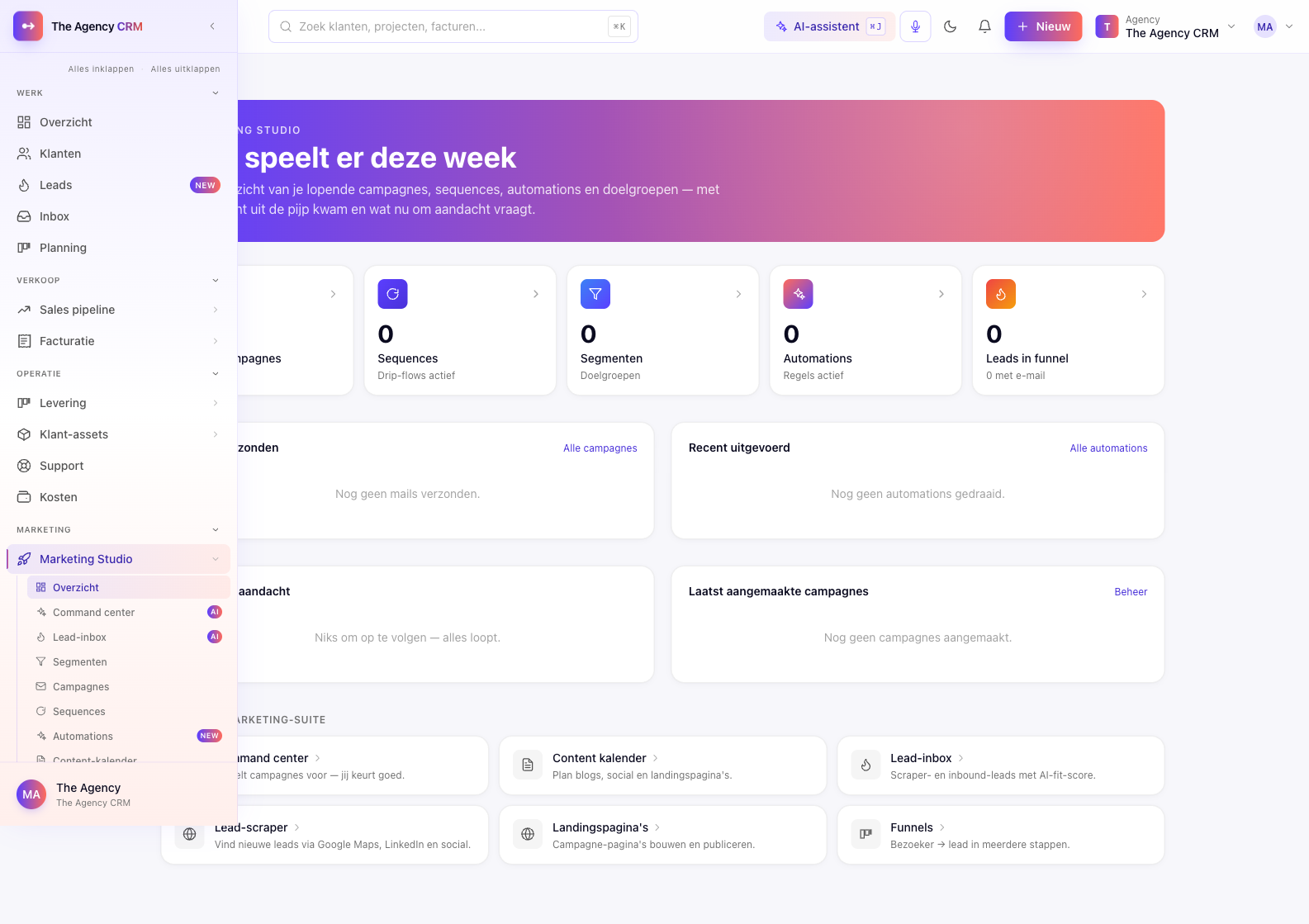
More capabilities
Content that keeps working — even when you're not
Templates, insights and collaboration in one place. No extra tools, no extra cost.
Reuse content templates
Save successful posts, emails and campaigns as templates. Reuse them for a new product or audience — adjust the variables and you're done.
Performance insights
See opens, clicks and conversions per piece of content. Learn which channel and which tone of voice performs best for your audience.
Collaboration & review flow
Colleagues or clients review content in the same tool. Leave comments, approve or reject — no more email chains with five document versions.
"We now produce ten times as much content as last year, with the same team. The AI nails our tone perfectly and the calendar gives everyone clarity. Our leads respond noticeably better to our campaigns."
Roos van den Berg
Marketing Manager · Bureau Kleur
Compare
How we compare to Buffer + ChatGPT
Stop switching between your content planner, AI writing tool and CRM. The Content Machine combines everything — for less than you pay now.
| The Agency CRM | Buffer + ChatGPT | |
|---|---|---|
| Built-in AI writing assistant | Separate tool required | |
| Visual content canvas with calendar | Limited | |
| Brand voice engine (tone of voice) | ||
| CRM connection for personalisation | ||
| Email campaigns built in | ||
| Campaign analytics in the CRM | ||
| Monthly price | €49 (flat) | €60+ /user |
Discover more
Everything that connects to your Content Machine
Frequently asked questions
You fill in your tone-of-voice instructions once: writing style, formal or casual, words you do or don't use, and example sentences. The AI applies this to every piece of content it writes for you.
In the product
See it in action